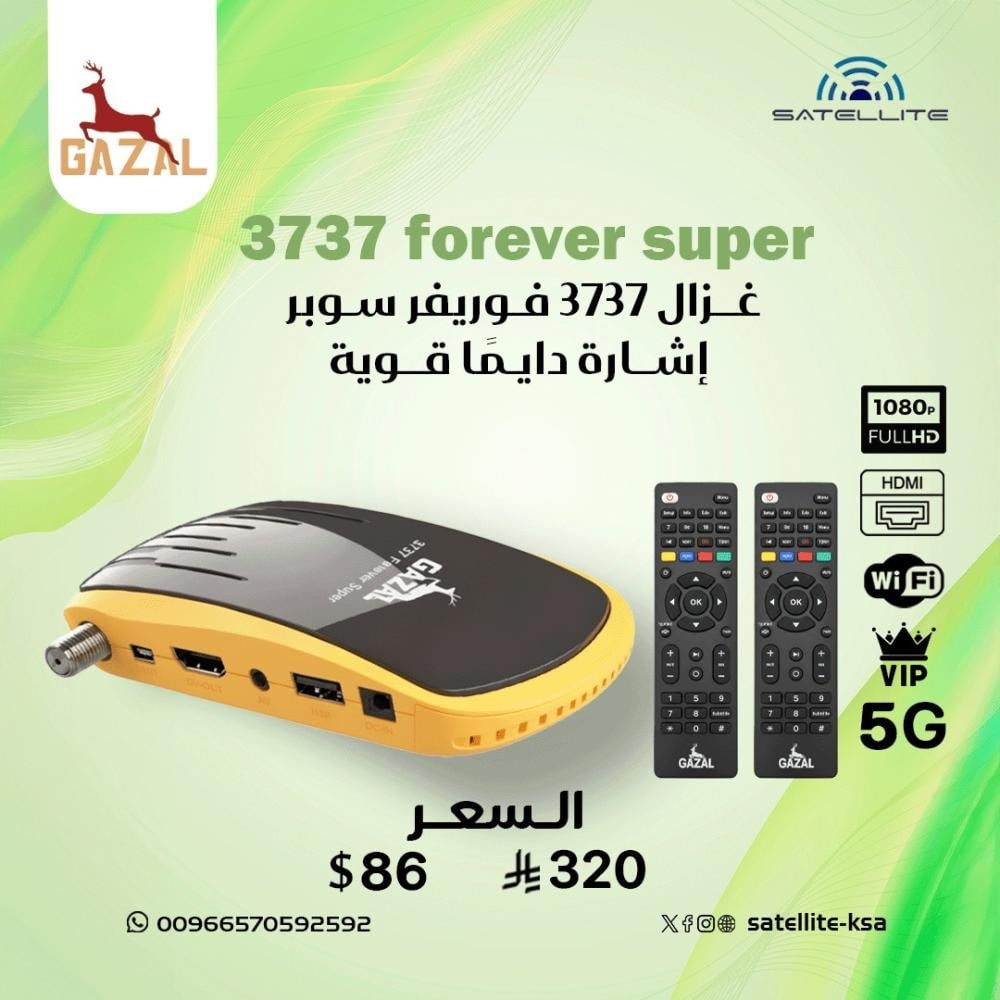
The latest Ghazal Royal receivers 2026
GAZAL 3737 5G FOREVER SUPER
Robust, streamlined design that withstands shocks
Black color with a beautiful yellow frame
🎗️ GX processor
🎗️Supports the highest resolution, Full HD 1080
🎗️1GB RAM and 16MB Flash
🎗️2 remote controls
🎗️Inner and outer lens
🎗️ HDMI input for connecting to monitors
🎗️AV input for connecting to older televisions
🎗️USB port
🎗️Built-in Wi-Fi supporting 2.4G and 5G
🎗️ USB to LAN connection capability
🎗️Sensitive tuner for picking up weak frequencies
🎗️Channel capacity: 8000 channels
🎗️Supports all codecs in addition to the Auto update biss feature
🎗️Supports multistream frequencies on satellites
🎗️Supports VIP code to unlock purple sports channels
🎗️Mirror your phone's screen using apps supported by the device: DLNA, DMR, and G-Mscreen
🎗️A user-friendly menu that makes it easy to use
🎗️ Online update option or flash drive available
🎗️Recording feature via USB or hard drive
🎗️Supports the time-shift feature to change the commentator to Arabic
🎗️Supports Arabic translation on channels that support it
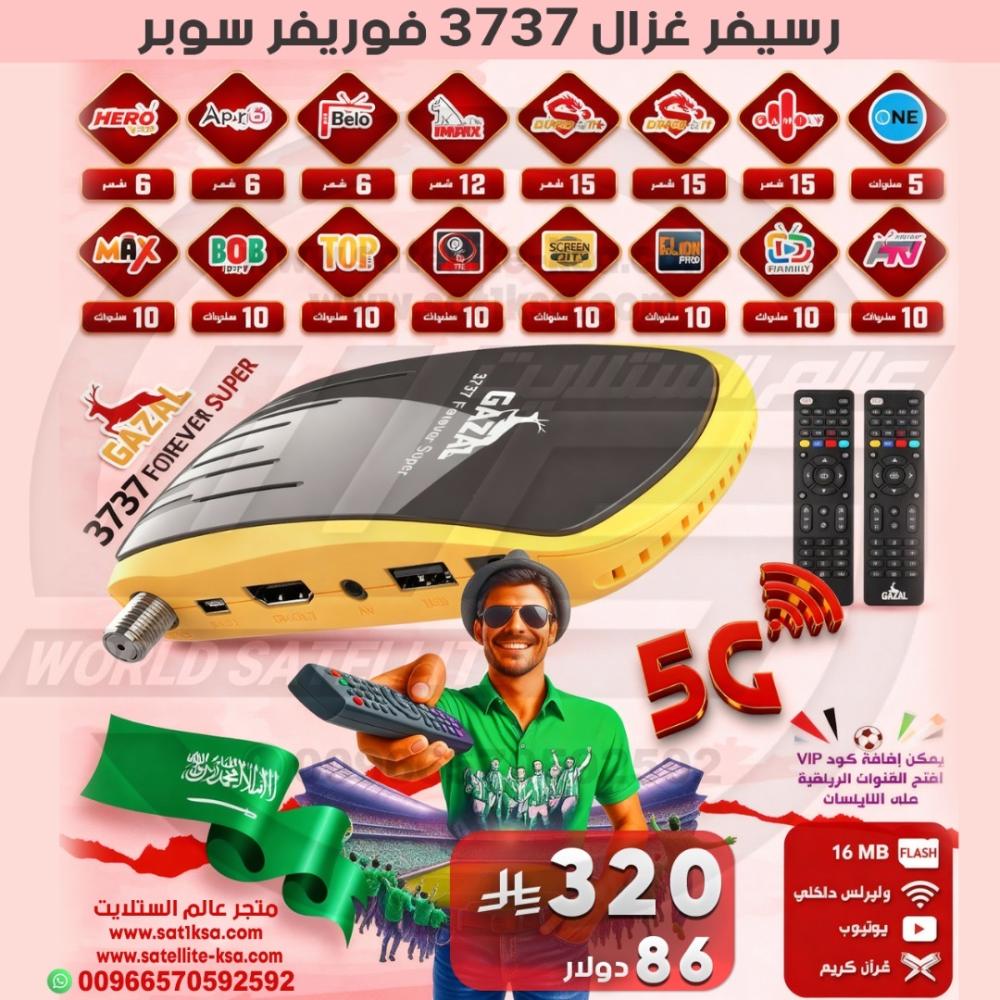
🔴Free subscriptions (movies, series, channels)
1-Max 10 years
2-Bob, 10 years old
3-Top 10 years
4-Plus 10 years
5-Super 10 years
6-Leon Pro 10 years
7-Screen 10 years
8-Dawn 10 years
10-one 5 years
11-Family 15 months
12-Dragon 15 months
13-Dragon Plus 15 months
14-Belo 6 months
15-Apollo 6 months
16-Hero 6 months
⚽Apollo Premier 12-month Sharing subscription (formerly Forever)
⚽Option to add a VIP subscription to unlock the purple channels from the bottom of the options
🔴It is necessary to update the device the first time upon startup in order for all subscriptions and settings to appear:
Steps:
1- Download the software from the website
https://www.gazalsat.com/soft/3737super/GAZAL_3737_Forever_Super_V106_17092025.bin
And place it on a USB flash drive formatted with the FAT32 file system.
2- Perform a factory reset
3- Select the satellite channels. If none are listed, quickly press the red button +000. A "stop/start patch" option will appear; leave it on "start patch".
4- Go to Wi-Fi - Server Settings - Number 15 at the top and press number 3. The server will be activated. Then turn the receiver back on and unplug it from the power source.
🔴Important Note: We do not offer a warranty on any sharing or IPTV subscriptions if there is any interruption or buffering, as we do not own or control them. Thank you for your understanding.
🔴No refunds for devices with activated subscriptions due to the nature of the product.