Mediastar 4030 Pro 4K Receiver
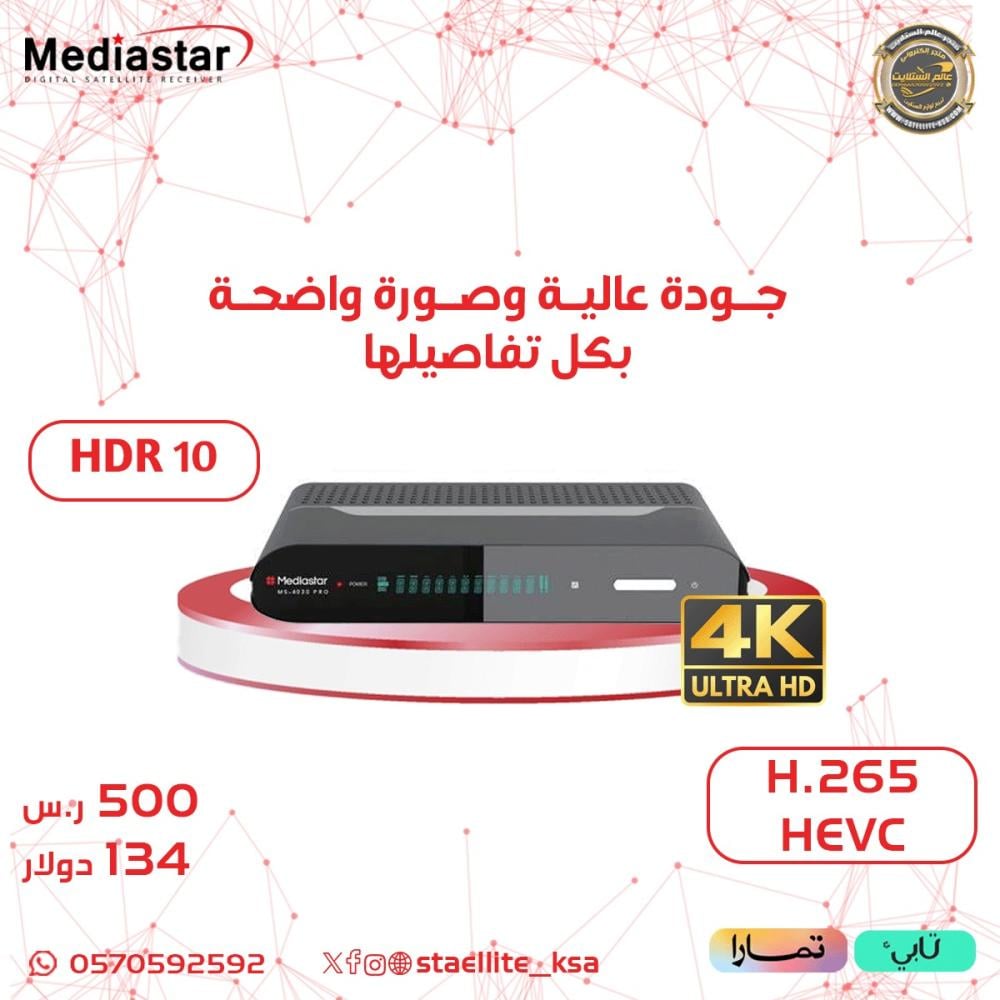
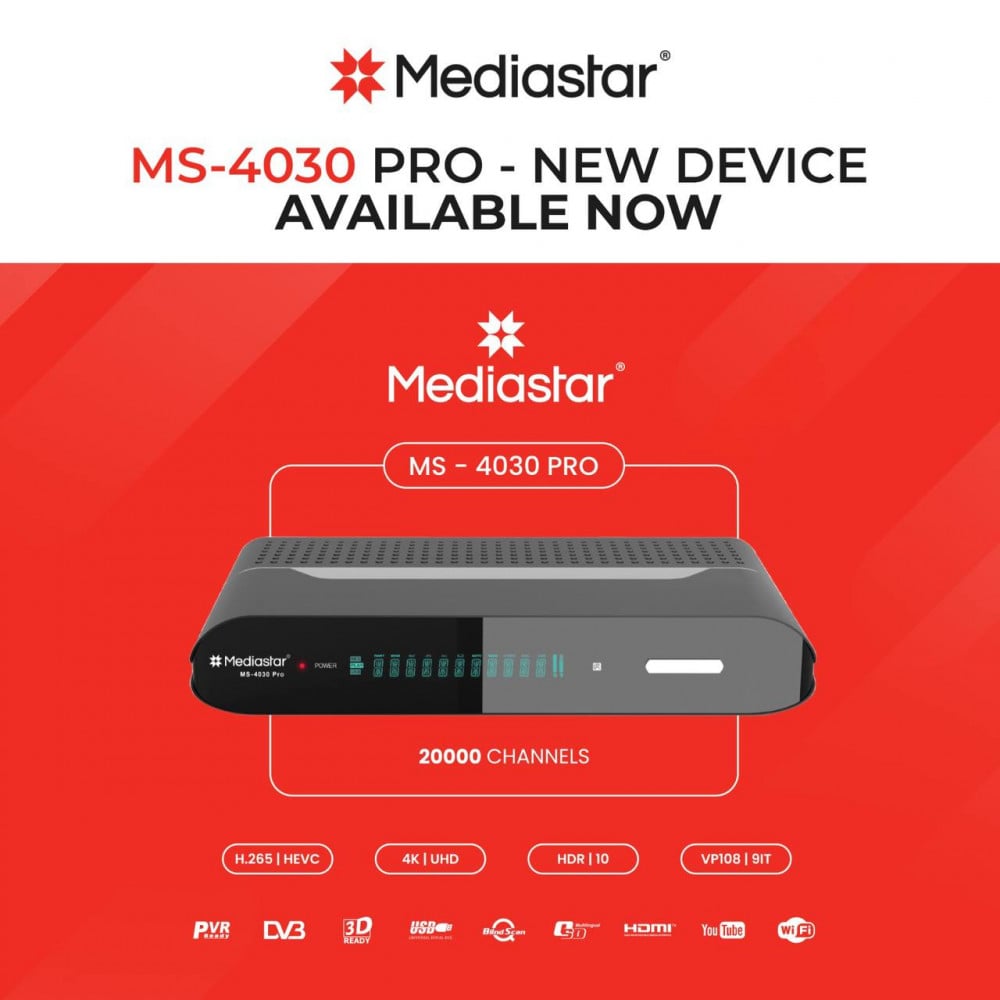
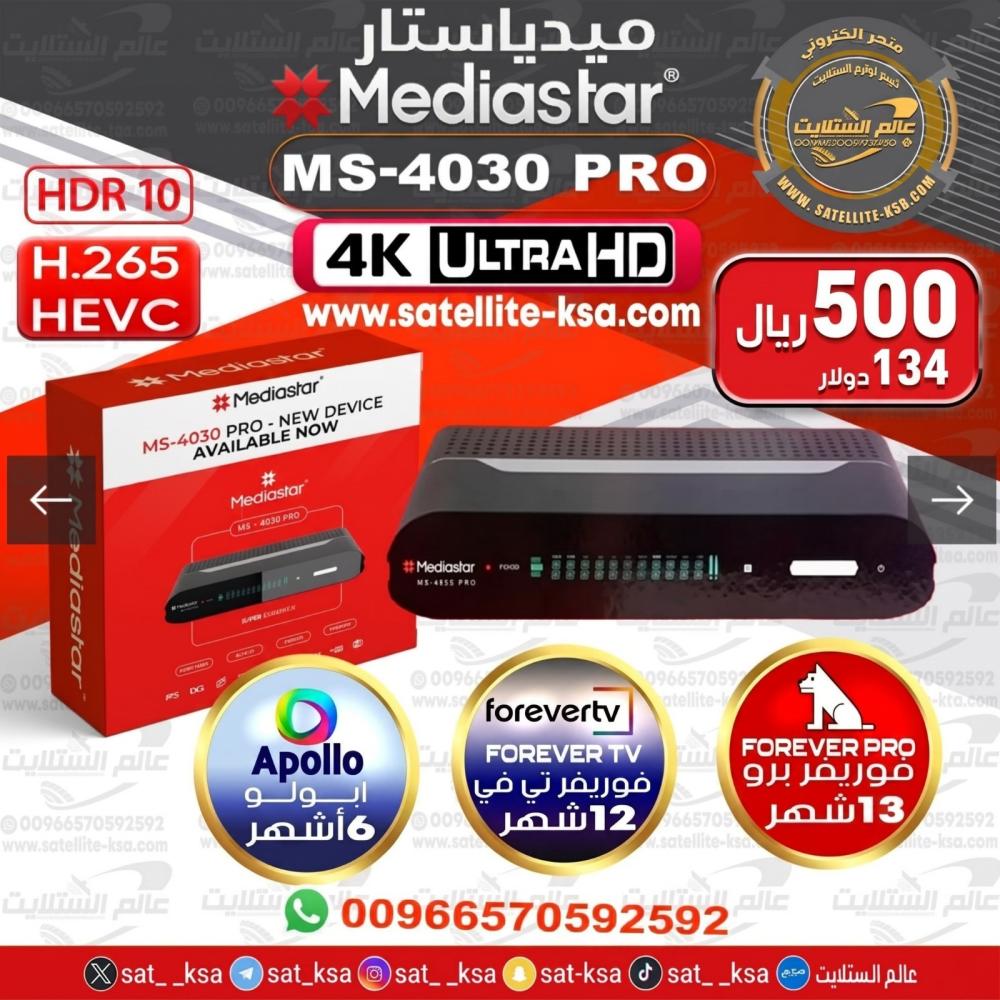
🔷 Introducing the new MediaStar 4K Ultra Professional receiver
❇ MS-4030 PRO
Technical specifications:
1- Powerful Ali-2661 CPU
New dual-core processor with a speed of 1 GHz, 4000 DMIPS, and an ALIM 2661 chipset.
2- Four gigabytes of RAM
4GB DDR3 RAM / 512MB high-speed memory.
3- 16MB Flash / 16MB Flash
4- The unique ability to use two different and beautiful menus, with continuous updates for different tastes.
5- Ability to support 4K 60fps 2160 × 3840
6- Internal image processor with noise reduction and image skipping capabilities
7- Hardware and software support for HDR, HLG, and WCG
8- Supports VP9 and H265 encoding with 10-bit color depth
9- Support for 3D channels and DVD-S, DVB-S2, DVB-S2X, H265 and 4K 60fs frequencies.
10- A powerful tuner to amplify weak signals
11- Sharing 15 months Forever Pro
12- For.everT.V for 12 months
13- A new look with a beautiful design and a new logo
14- Storage capacity of 20,000 television and radio channels
15- Supporting various decisions
576i 50Hz, 576p 50Hz, 720p 50Hz, 1080p 24Hz, 1080p 25Hz, 1080i 50Hz, 1080p 50Hz, 2160 25Hz, 2160 50Hz
16- It has a remote control and supports all MediaStar controls.
17- Unlocking a 4K card with free sharing
18- Free USB-WiFi with antenna
19- It contains two USB ports with the ability to support all types of external hard drives and peripherals
20- SPDF / Axial Audio-Visual
21- A beautiful and modern painting made of high-quality materials
22- Ability to support all types of cband/kuband LNBs
23- Support for US DiSEqC 1.0 / 1.1 / 1.2 / 1.3
24- Supports all types of sharing protocols, CC, CAM, Newcom, etc., and supports new encoding systems Tandberg and Powerview, with the possibility of easy manual input of BISS, DCW, Tandberg, Powerview, etc. codes...
25- Advanced search capability or blind search
26- Network search capability
27- It contains a readable VFD panel
28- With RJ45 LAN port
29- HDMI output version 2.0
30- With AV output
31- Ability to edit PID
32- Searching for multiple satellites at the same time
33- The ability to search for multiple frequencies simultaneously
34- Ability to use a VPN
35- Full support for the Persian language
36- The ability to display the Persian translation with the option to modify the choices according to the user's preference.
37- The ability to translate films and satellite programs on the internet into different languages, including Persian
38- It contains 8 categories of favorite channels and the possibility of increasing them up to 100 categories
39- Ability to edit and move channels in a quick and requested list
40- Ability to display the channel's bitrate
41- Ability to upgrade via USB
42- The ability to resolve software problems via USB during boot without using the cable and loader
43- The possibility of upgrading via the Media Star internet server through the receiver itself
44- The ability to adjust the satellite's position in different modes to facilitate dish installation
45- Support for Persian television script
46- Establishing a network and internet connection via wireless network, LAN cable, and 3G
47- and G-VOD and G-. and GT,V and G-mytube and YouTube and support for m3u and m3u8 files
48- G-MScreen, DLNA DMR, DLNA DMP and WiFi Direct capabilities
49- Supports 3G modem and SIM card modem
50- Image and image within image, multiple images, and recording them in different formats
51- The ability to download softcam and software from a dedicated FTP server
52- Ability to set manual and automatic clocks, record timers, and set adjustable sleep timers
53- The ability to set a password on the receiver with different inputs
54- Standby mode during power outages, manual and automatic adjustment
55- The ability to pause during recording as well as in normal mode to watch PAUSE channels
56- The spectrometer's ability to examine the signal level of several frequencies simultaneously
57- Sat2IPTV support
58- SSSP capability, dual protocol capability, Bluetooth, and support for various sharing protocols
59- The ability to control and stream using Android and iOS mobile phones and tablets
60- He has X-TIMESHIFT
61- Excellent and unique program support
62- And many small and large facilities that make using this receiver enjoyable for every user.
An unforgettable and enjoyable experience, with the best facilities and latest technology in the world, a new generation of receiver in every sense of the word.
Media Star Telegram Channel
@mediastar
.
🔴It is essential to update the device the first time upon startup in order for all options and subscriptions to appear. Follow these steps:
1- Download the latest software from the website
https://swmediastars.com/mediastar-ms-4030-pro/
https://swmediastars.com/file/ms-4030pro-bluemenu-ver1-11-20688-2026-1-22/
And place it on a USB flash drive formatted with the FAT32 file system.
2- Perform a factory reset
3- To select satellite channels, if none are available, quickly press F1+111 and a menu will appear; choose the internet as the last option.
4- Go to Wi-Fi - Server Settings - Number 40 at the top and press number 3, and the server will be activated, or press the green button and restart the device from electricity.
🔴No refunds for devices with activated subscriptions due to the nature of the product.