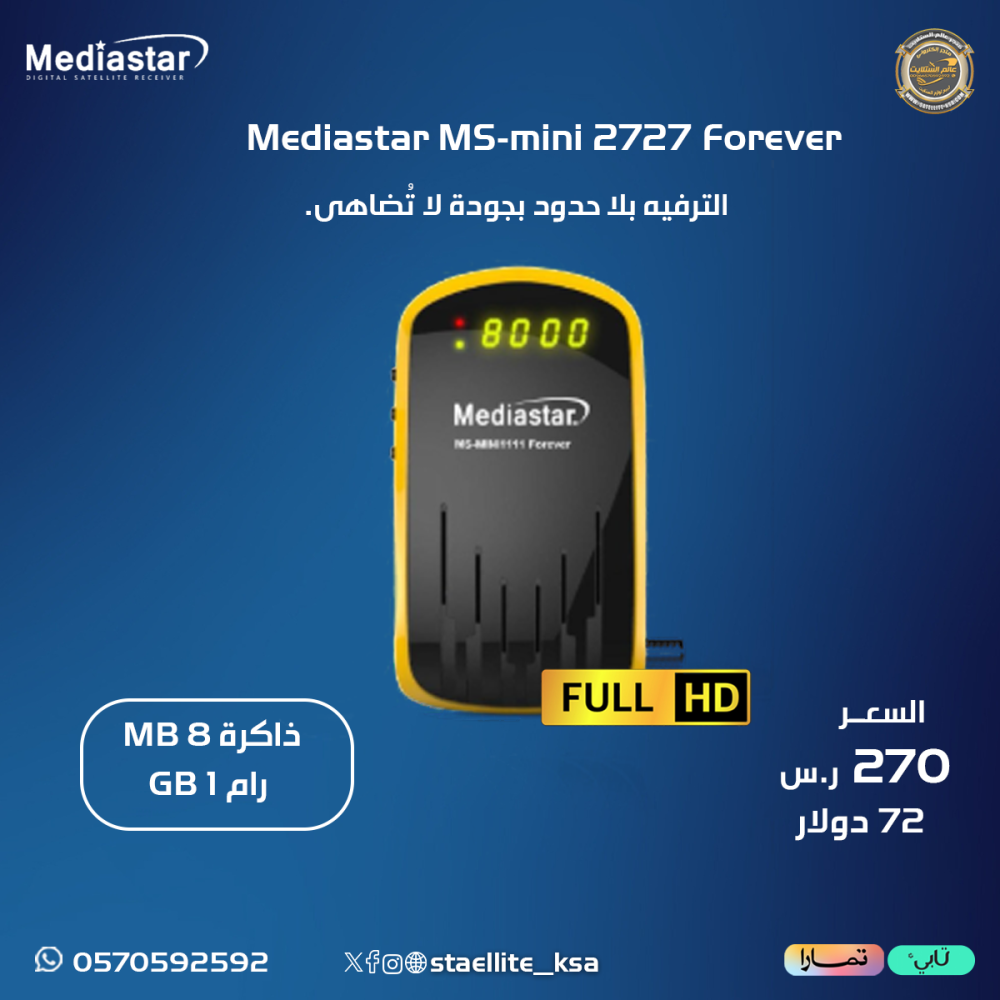
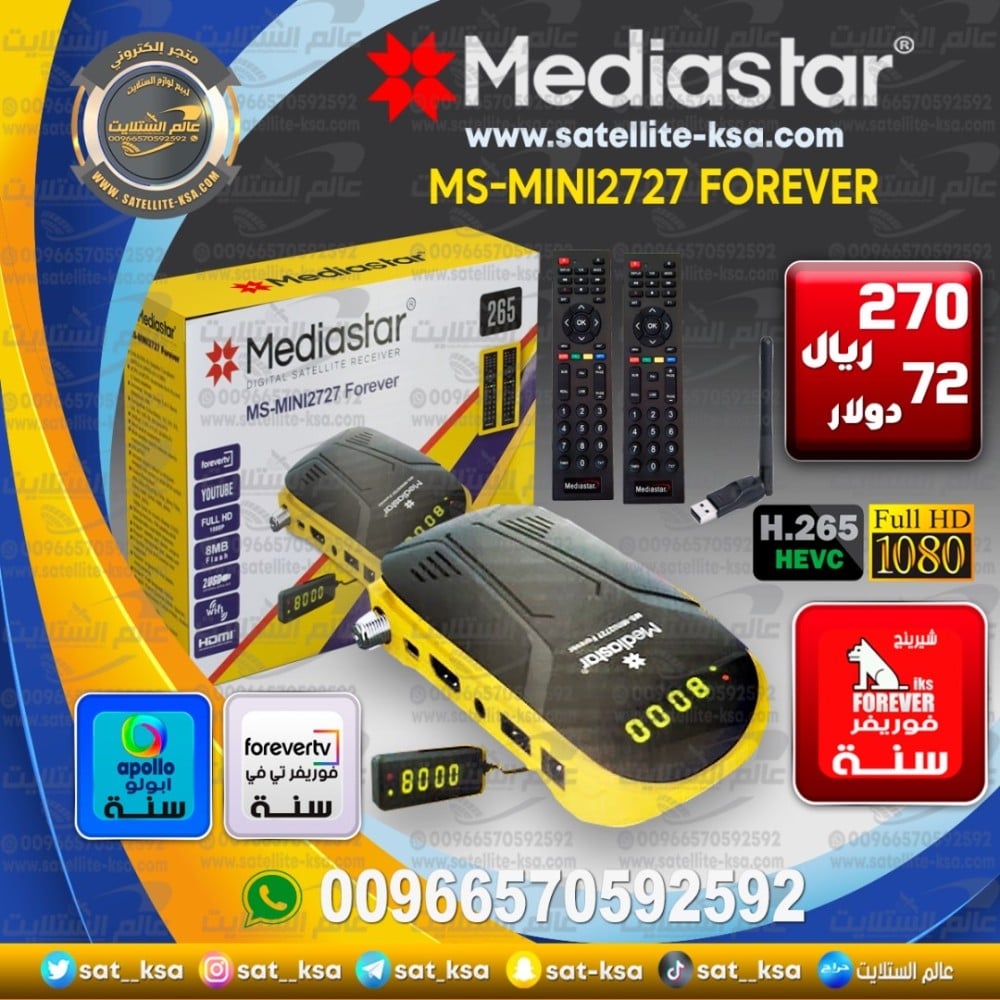
عملاق الفوريفر الصغير
MediaStar MS-mini 2727 Forever الميني
يحتوي على 2 ريمونت كونترول و انتينا واي فاي
 مواصفات الجهاز:
معالج جي اكس GX 6605H افضل جودة للصورة
فلاش 8 ميجا ذاكرة داخلية
رام 1 جيجا ذاكرة عشوائية
2 منفذ USB
2 ريمونت كنترول عالي الجودة
ثلاث مفاتيح تحكم مدمجة بالجهاز
مزود بشاشة رقمية داخلية Zoom Screen
يدعم تقنية الصورة Hevc H.265
يدعم خاصية التسجيل PVR
واجهة تشغيل إحترافية مميزة
يدعم حاصية التعليق العربي
يدعم خاصية الترجمة
السيرفرات
سيرفر فوريفر 12شهر مشاهدة على الانترنت
سيرفر ابولو 12 شهر
سيرفر شيرنج فوريفر SE لمدة 12 شهر
يقبل اضافة ملفات m3u
الإضافات والمميزات
يقبل تجديد السيرفرات بعد انتهاء المدة المجانية
يقبل الإشتراك في سي.سكام وامجكام
يدعم جميع انواع التشفير Biss Tandberg Power Vu
يوتيوب عربي مكتبة القرآن الكريم
خاصية Dlna - Miracast لربط الهاتف بالرسيفر
لعرض محتوى الهاتف صور وفيديوهات على الشاشة
خاصية اوتو بيس BissKey لجلب الشفرات
🔴ضروري تحديث الجهاز اول مرة عند التشغيل لتظهر جميع الاشتراكات والاعدادات(عند اختيار برمجة وتحديث لاداعي لذلك)
الخطوات :
1- تنزيل السوفتوير من الموقع
https://swmediastars.com/file/ms-mini2727forever-freedommenu-ver253-2026-1-2
ووضعه في فلاش USB تكون مهيئة بنظام FAT32
2-عمل ضبط او استعادة المصنع
3-الوقوف على قنوات الدش ولو لم يكن موجودة الضغط على الزر الاحمر+000 بشكل سريع وتظهر ايقاف او تشغيل الباتش خليها على تشغيل الباتش
4- الذهاب للواي فاي - ضبط السيرفر- رقم 15 بالاعلى واضغط رقم 3 وسيتفعل السيرفر واعد تشغيل الرسيفر من الكهرباء
🔴لايوجد استرجاع للأجهزة المفعله اشتراكاته.بسبب طبيعة المنتج