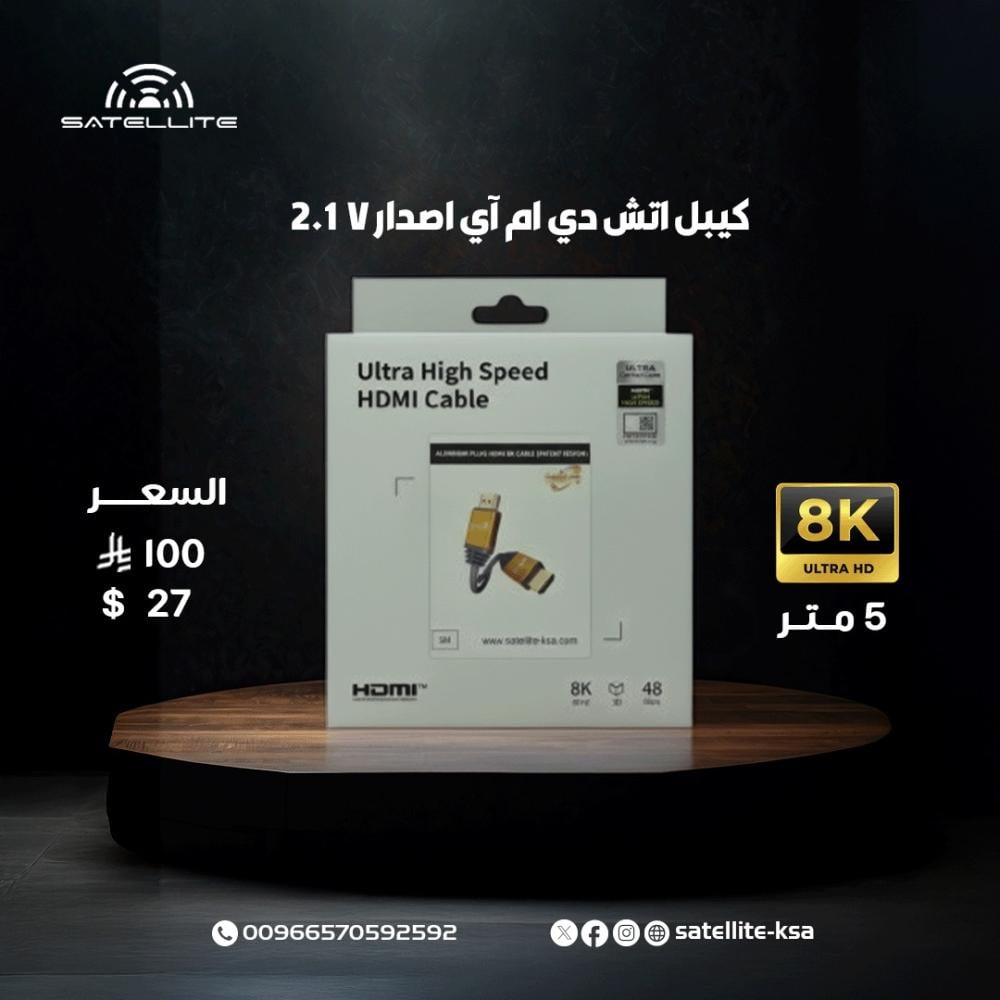
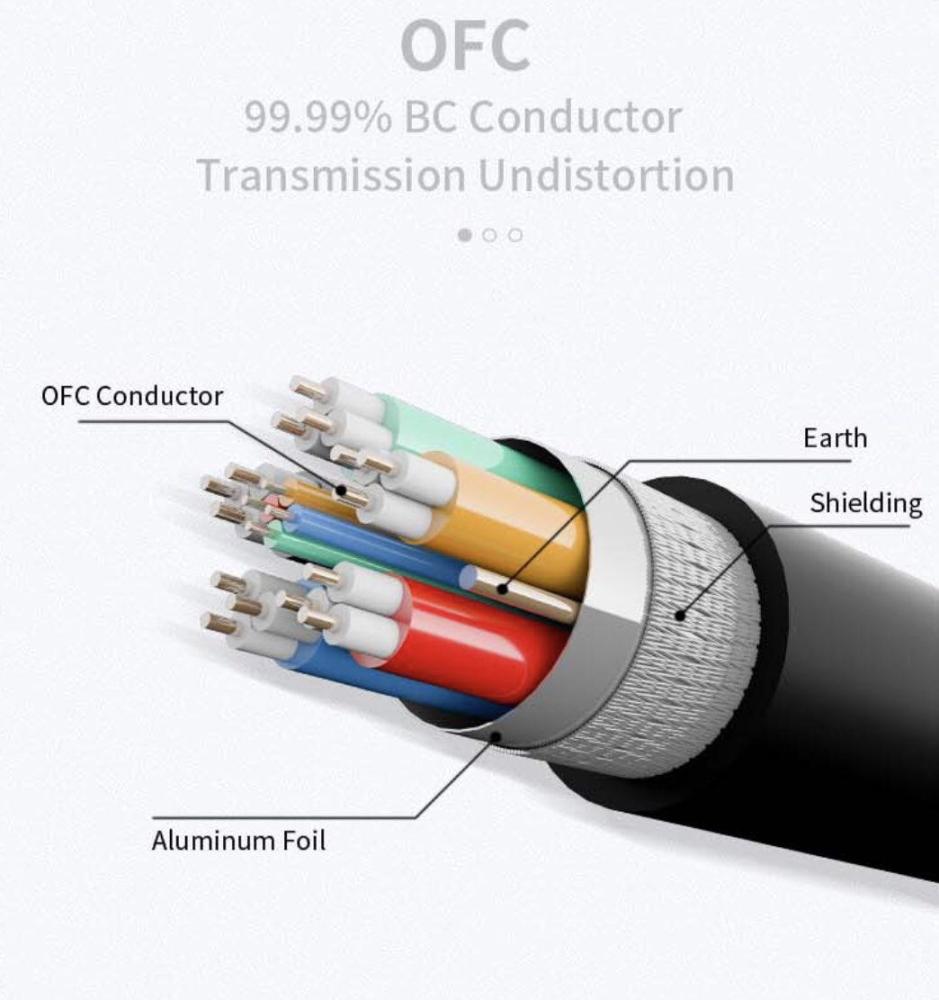
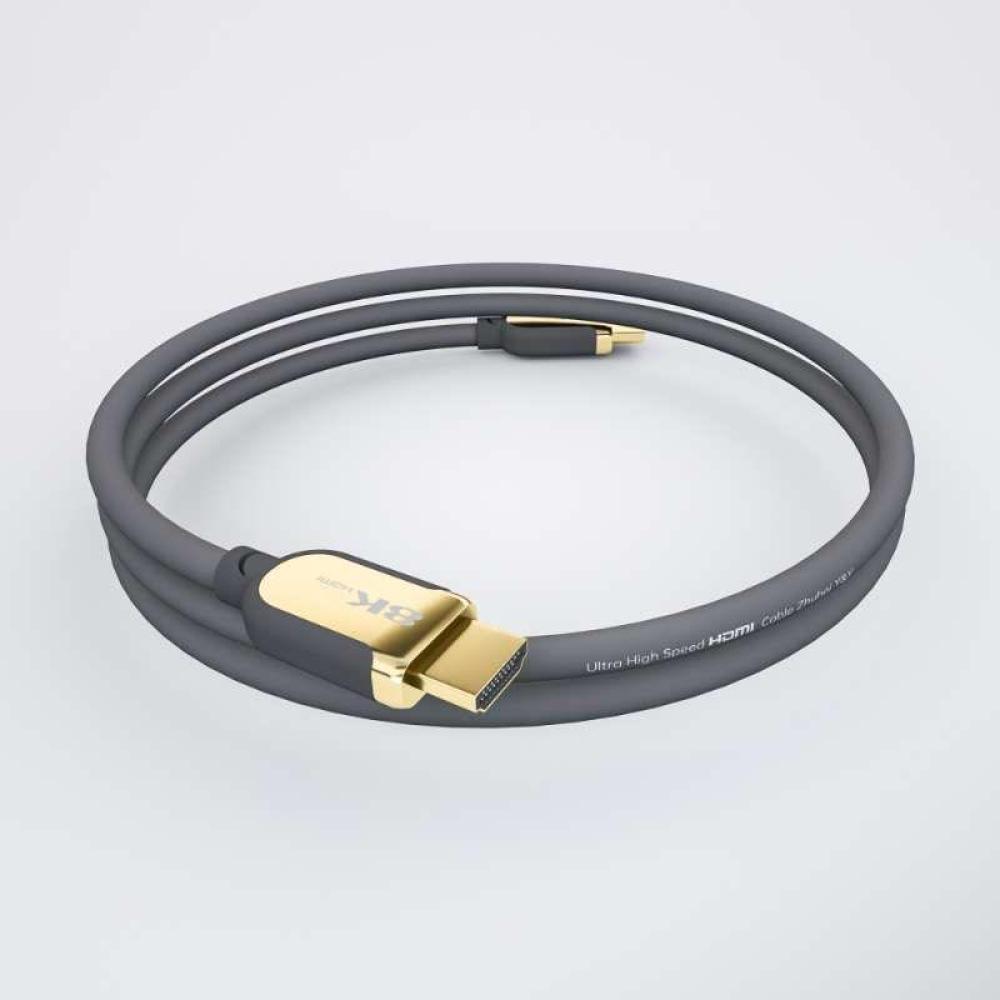
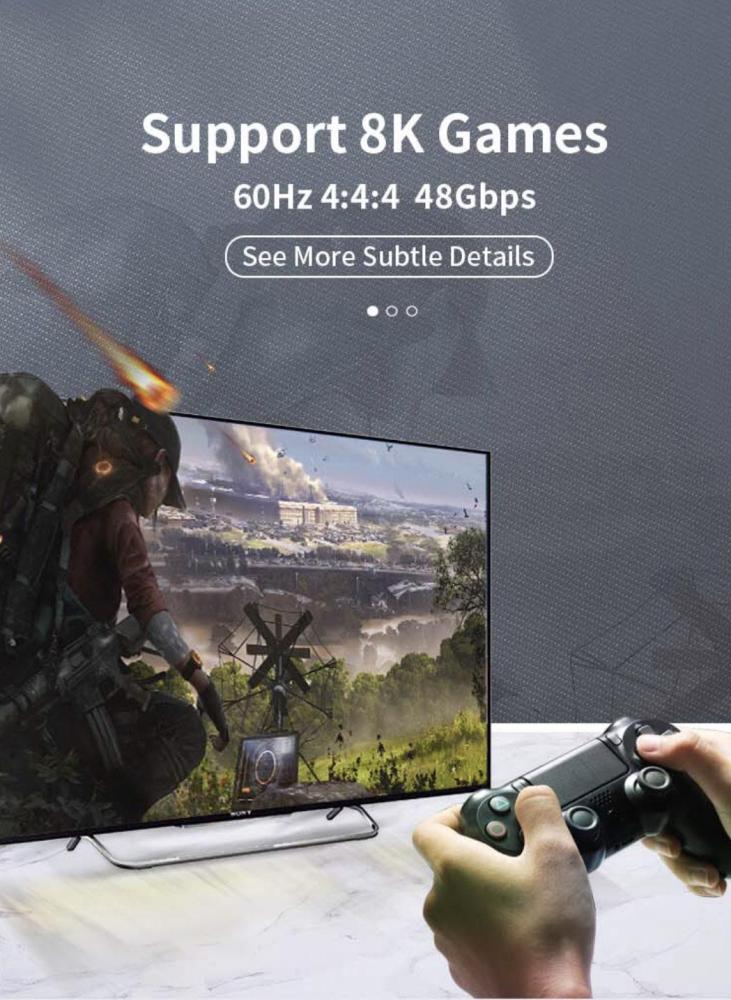
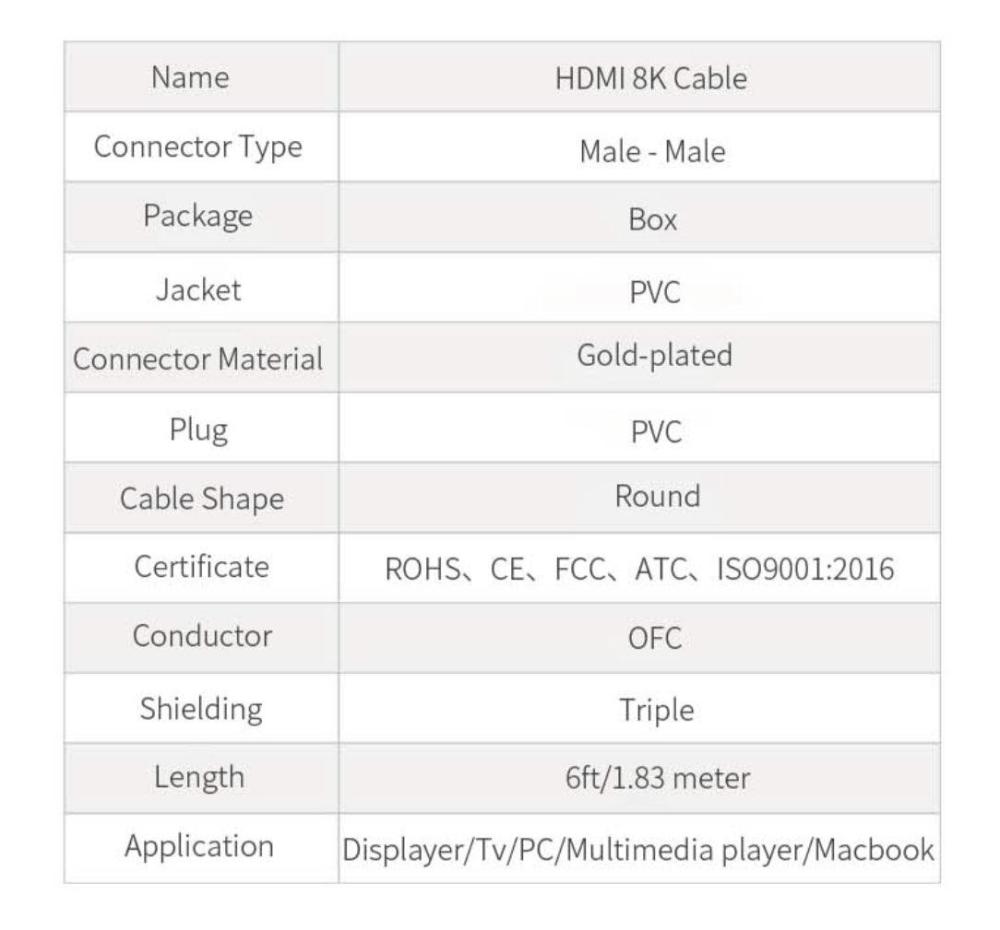
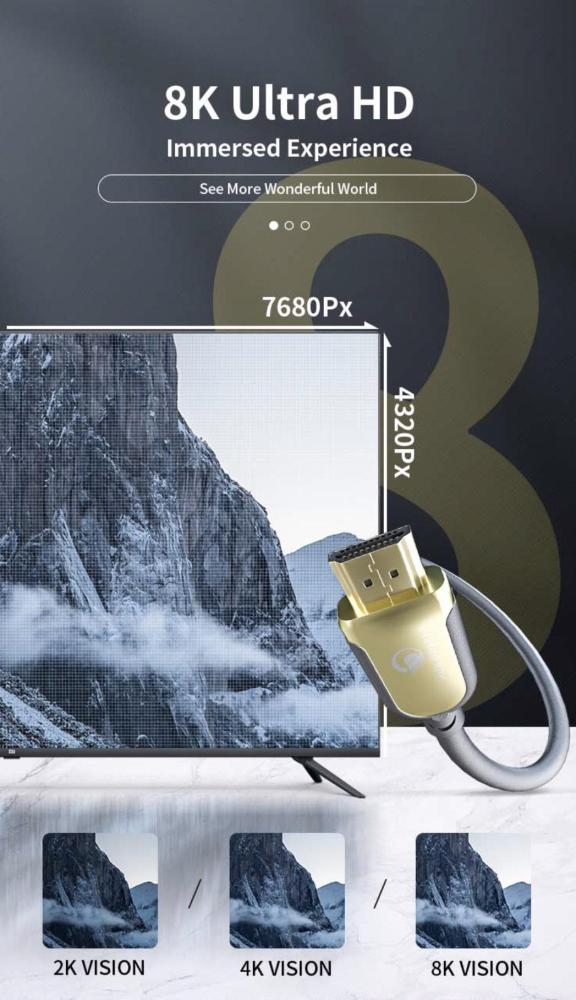
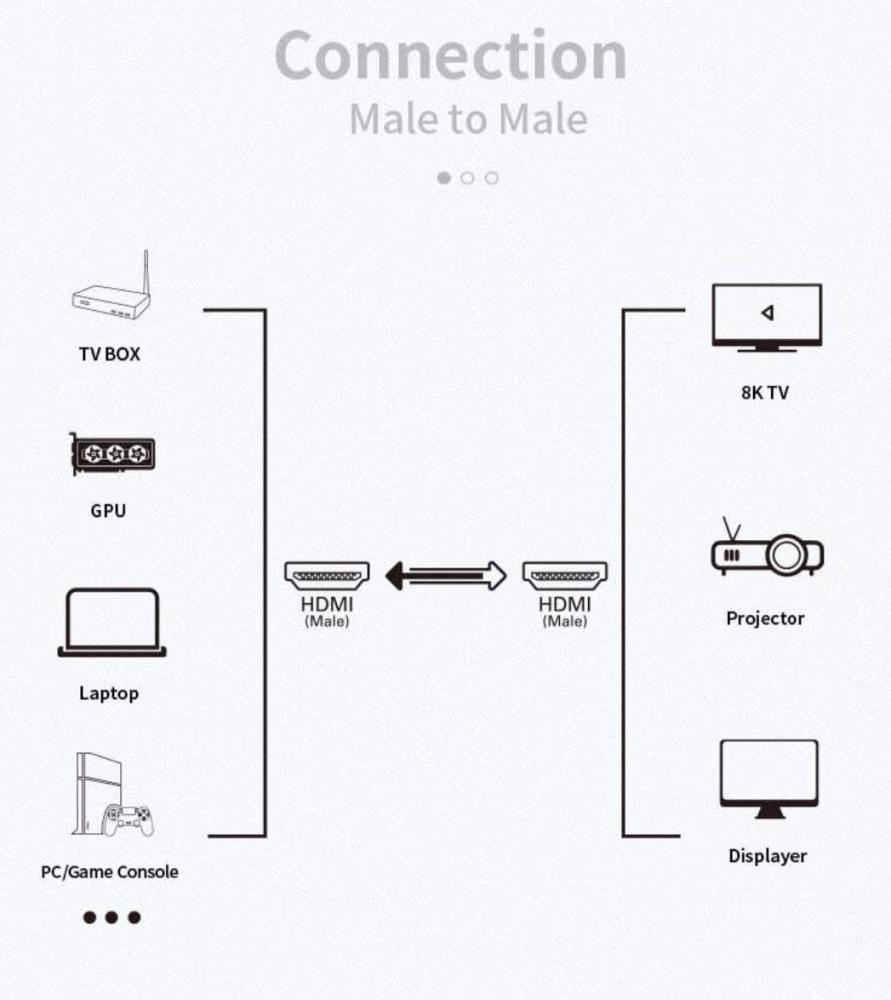
The latest version HDMI cable (2.1V) supports up to 8K resolution.
What is HDMI 2.1 and what are its benefits?
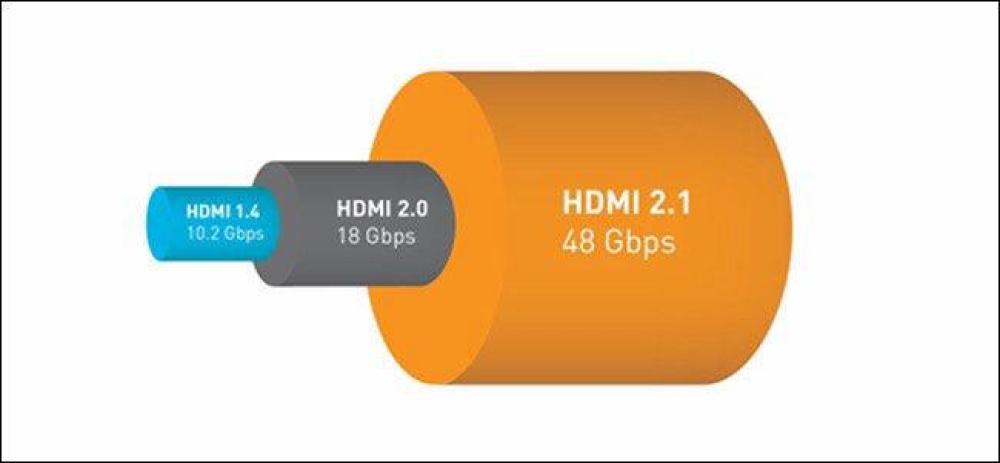
In short, HDMI 2.1 is the latest version of HDMI, distinguishing itself by its ability to transmit an impressive 48 gigabits per second (Gbps) through the cable. This is a significant improvement over the previous 2.0 cables, which carried 18 Gbps. Generally, bandwidth determines the maximum amount of data a signal in a cable can transmit. The higher the resolution and frame rate, the more data is needed. If you play on a PS4 Pro or Xbox One X in 4K resolution, you're using a 2.0 cable that can support resolutions up to 4K at 60 frames per second with static HDR. HDMI 2.1 is capable of 4K at 120 frames per second or 8K at 60 frames per second. It also supports dynamic lighting with HDR on a frame-by-frame basis and BT.2020 color gamma with 16 bits per color. In simpler terms, this means HDMI 2.1 is capable of supporting TVs with a wide color gamut, making your picture look more vibrant, sharp, and clear than ever before. HDMI 2.1 also includes a feature that tells the TV you're playing a video game and instantly switches to a low-latency game mode. HDMI 2.1 also has VRR, a built-in variable refresh rate that keeps the screen's refresh rate synchronized with the frame rate of the supported device, so everything you see moving on screen is kept smooth. Newer consoles will support VRRs between 30 and 120.
Brief introduction:
Higher bandwidth, more pixels
HDMI 2.1 is the next step forward for the standard, adding support for an uncompressed 8K signal at 60 frames per second in 12-bit color. It achieves this with a data transfer rate of 48 gigabits per second. Using Display Stream Compression (DSC), HDMI 2.1 can push a 10K signal at 120 frames per second in 12-bit color.
Some HDMI 2.1 applications use ports that only reach around 40 Gbps. This is sufficient to handle a 4K signal at 120 frames per second in 10-bit color, and it's also enough to take full advantage of 10-bit panels on consumer-grade televisions.
High-end PC gamers tempted by NVIDIA's new 30-series cards will be pleased to know that the company has confirmed 10-bit support going forward. This means it doesn't matter if your TV lacks the full 48Gbps specifications.
Currently, HDMI 2.1 is primarily aimed at gamers who are upgrading to a next-generation console or graphics card. Both the Xbox Series X and PlayStation 5 support 4K resolution at 120 frames per second. This will require the implementation of the HDMI 2.1 standard.
If your TV doesn't support HDMI 2.1, you'll have to make do with a 4K signal running at only 60 frames per second (!). Most titles from the last generation of consoles ran at 30 frames per second, so it remains to be seen how much of a deal-breaker that will be.
HDMI 2.1 is relatively new, and NVIDIA only has three new 30-series cards in its pipeline that support the standard. Previous RTX 2000 and GTX 1000 series cards are not compatible with HDMI 2.1. Many TV manufacturers, including Sony, have not included HDMI 2.1 in their high-end monitors.
We expect the HDMI 2.1 standard to launch as early as 2021. However, it will be a few years before we see widespread adoption in budget offerings.
Dynamic HDR support
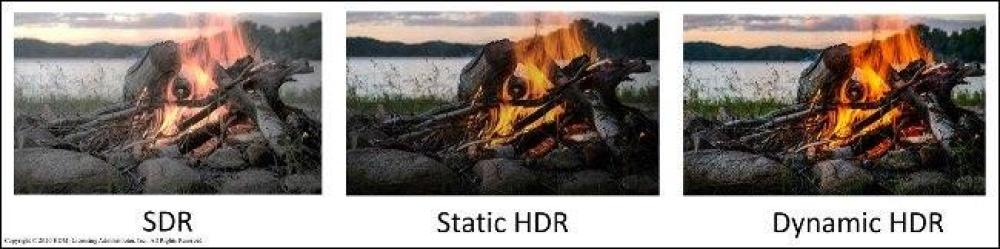
With more bandwidth available, there's also more room for raw data. HDR stands for High Dynamic Range, and it enables a wider range of colors in content such as movies and games. Older HDR standards, like HDR10, only support static metadata. However, newer HDR10+ and Dolby Vision formats allow dynamic metadata on a scene-by-scene or frame-by-frame basis.
Dynamic HDR provides your TV with more information about what to do with the signal it receives. Instead of reading a single set of instructions for an entire movie, dynamic HDR metadata gives your TV continuous updates on how to adjust the image on screen to look its best.
While every HDR-enabled TV supports HDR10 with static metadata, Dynamic HDR is a whole other beast. The most widely supported format is Dolby Vision. It's favored by device manufacturers including LG, Sony, Panasonic, and Philips. Samsung runs everything on the less common HDR10+, which happens to be an open format (Dolby Vision, as its name suggests, is proprietary).
It's important to note that you don't need an HDMI 2.1 adapter to view HDR10+ and Dolby Vision—at least not at current 4K resolution. If your TV supports it, it will stream Dolby Vision content from Netflix just fine.
From now on, the HDMI 2.1 standard ensures plenty of bandwidth for both metadata and high-definition signals at high frame rates.
Variable Refresh Rate (VRR)
The TV refresh rate is the number of times the panel updates per second. This is measured in hertz (Hz) and is closely related to the frame rate. When the two are out of sync, you get an effect called "screen tearing." This happens because the monitor tries to display more than one frame at a time when the console or PC isn't ready.
If you adjust your monitor's refresh rate to match the frame rate of your console or PC, you can effectively eliminate screen tearing without any performance penalty. Companies like NVIDIA and AMD have their own methods for dealing with screen tearing, known as G-Sync and FreeSync, respectively.
However, the HDMI 2.1 standard also has its own standalone solution, called HDMI Variable Refresh Rate (VRR). Microsoft has confirmed that the Xbox Series X will support this feature, and the PlayStation 5 will also support it, as it will require HDMI 2.1 to render 4K at 120Hz.
For the best possible next-generation console experience, HDMI VRR is essential. If you're a PC gamer, it's unlikely that NVIDIA and AMD will abandon their current technologies in favor of HDMI VRR. This means you'll still need to match your graphics card with your monitor.
Automatic Low Latency Mode (ALLM)
Another feature for gamers in next-generation consoles is Automatic Low Latency Mode (ALLM). Most TVs now include all sorts of additional processing to smooth out motion, improve picture quality, and even enhance sound clarity. While some of this is appreciated when watching TV and movies, for gamers, it saves on latency (lag).
This is Game Mode – you can switch to it whenever you want the fastest possible response times from your TV. This is especially useful for games that require quick and precise reactions. The only problem is that many TVs require you to manually turn Game Mode on and off.
ALLM eliminates the need for this. When your HDMI 2.1-compatible TV understands that you're using a supported controller, ALLM will disable any additional processing that might cause lag. You don't need to do anything at all to enable it—it's compatible with the HDMI standard.
Microsoft has confirmed ALLM support for Xbox Series X and Sony consoles.
Quick Frame Transfer (QFT)
t is another feature aimed at gamers and works in conjunction with ALLM to deliver a more responsive gaming experience. The feature prioritizes video frames in an effort to keep latency as low as possible.
If you want to take advantage of this feature, also make sure any intermediate devices, such as a surround sound receiver, are compatible. This will ensure all your devices work together to deliver a smooth and responsive experience. If you're connecting your console via a receiver rated only for HDMI 2.0, you won't benefit from QFT, even if your TV and console support it.
Quick Media Switching (QMS)
Have you ever noticed your screen turning black shortly before you start watching a video or trailer? This is because your monitor adjusts its refresh rate to match the content you're about to watch. Since different content uses different frame rates, your monitor needs to synchronize with them, resulting in the brief dimming.
Sometimes, this can cause you to miss the first few seconds of a video. However, some content providers delay playback to account for the change. Assuming the resolution of everything you're watching remains the same, Quick Media Switching (QMS) eliminates the blurring caused by refresh rate changes.
This allows you to view content at different frame rates consecutively, without any blackout. The feature uses HDMI VRR to seamlessly transition from one refresh rate to another.
Enhanced Audio Return Channel (eARC)
C stands for Audio Return Channel. It allows you to send audio via HDMI to speakers or a surround sound receiver without an additional optical audio cable. Whether you're watching Netflix, playing a game on a console, or watching Blu-ray, ARC ensures the audio is delivered to the correct output.
Enhanced Audio Return Channel (eARC) is part of the HDMI 2.1 standard. The additional bandwidth available in HDMI 2.1 allows eARC to carry uncompressed 5.1 and 7.1 audio and high bitrate or object-based audio up to 192 kHz at 24-bit resolution. This delivers an audio bandwidth of 37 Mbps, compared to less than 1 Mbps via standard ARC.
If you want to transmit a Dolby Atmos signal via HDMI, you'll need eARC. There are also some other improvements, such as proper lip-sync correction as standard, better device detection, and a dedicated data channel for eARC.